
SHEET / 02 — TOOLS LIBRARY
Project controls calculators & analysis tools
Browse free, interactive tools for profitability, earned value (EVM), labor burden, schedule recovery, risk scoring, and change orders—built to turn project data into clear, defensible decisions.
-

Change Orders
Read more: Change OrdersAnalyze change orders with clear cost, schedule, and impact reviews for stronger project control.
-

Risk Planning
Read more: Risk PlanningAssess project risk, prioritize exposures, and plan responses before issues affect results.
-

Analytics Dashboards
Read more: Analytics DashboardsVisual dashboards that turn project data into clear insights, trends, and actionable performance views.
-

Excel Templates
Read more: Excel TemplatesDownloadable Excel templates for project tracking, controls, reporting, and analysis workflows.
-
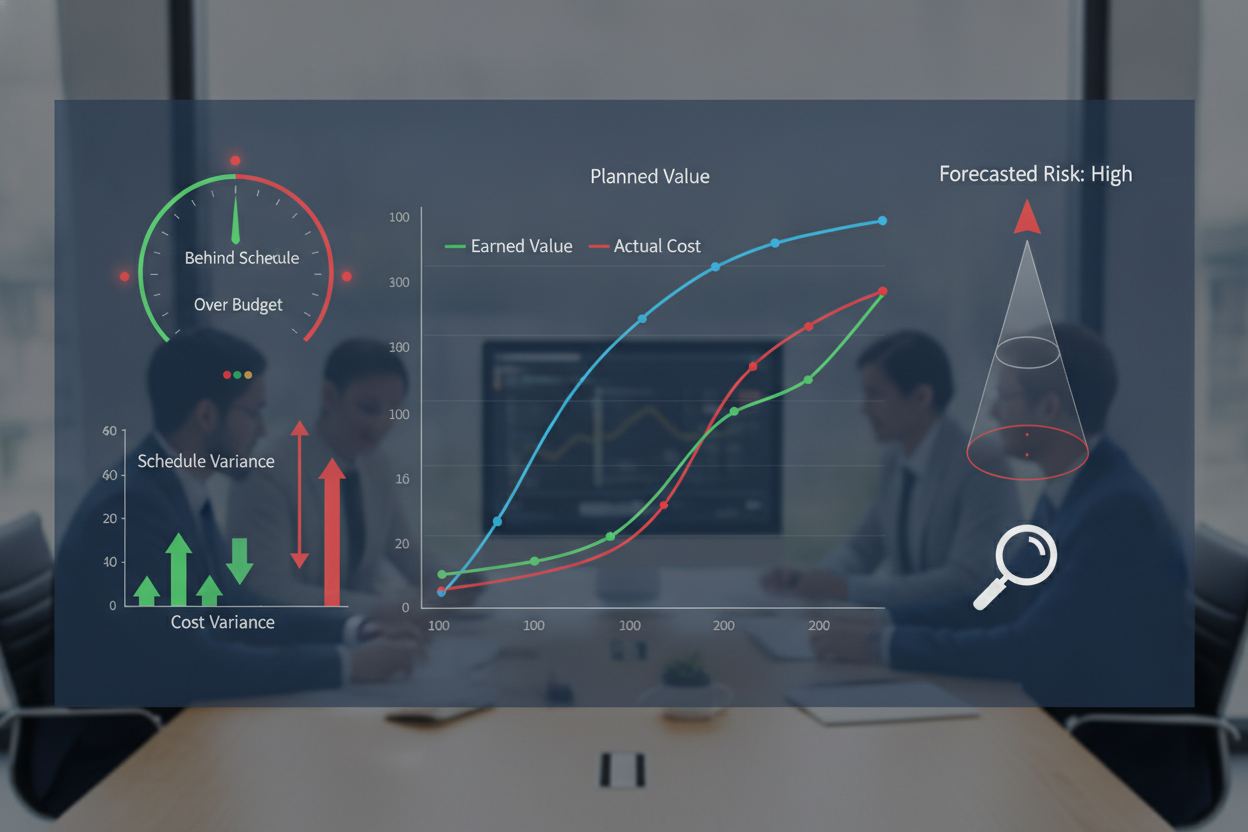
EVM Analysis
Read more: EVM AnalysisEarned value management tools that reveal performance trends, variance, and forecast risk early.
-

Project Calculators
Read more: Project CalculatorsInteractive calculators for profitability, labor cost, and forecasts to support faster project decisions.
TOOLS / LIVE METRICS
Project controls tools you can trust
Get answers fast with calculators built for real project work—profitability, EVM, labor burden, schedule recovery, risk, and change orders. Clear inputs, transparent formulas, and results you can defend in a meeting.
20+
CALCULATORS & TOOLS
A growing library of interactive tools for project managers, contractors, and engineers.
100%
FORMULA TRANSPARENCY
See what drives every output—assumptions and calculations are explicit, not a black box.
MINUTES
TIME TO INSIGHT
Most tools go from inputs to decision-ready outputs in a single pass—no setup required.
EXCEL
TEMPLATE READY
Downloadable spreadsheets and formats designed to plug into your current workflow.
SPEC: TOOLS
UPDATED: ACTIVE
REV 01
TOOLS LIBRARY — FAQ
Frequently asked questions about XI/TAG tools
Quick guidance on how the calculators work, what inputs you’ll need, and how to use the results responsibly—so you can move faster and document decisions with confidence.
Q-01
Are the project calculators free to use?
Yes—our interactive calculators and project controls tools are free to use in your browser. Some pages may also offer optional downloads (like Excel templates or checklists) and premium toolkits, but the core Tools Library is built for open access.
Q-03
Do I need to create an account to use them?
No account is required for most tools. You can run calculations, review outputs, and iterate quickly without signing in. If a tool ever offers saving, sharing, or premium downloads, we’ll clearly label what requires an email or account.
Q-05
What inputs should I prepare before I start?
It depends on the tool, but most require a few basics: contract value or budget, planned vs. actual cost, schedule dates or percent complete, and labor rates/hours. Each calculator includes inline prompts so you can map your job-cost reports to the right fields.
Q-02
How accurate are the results?
The math is deterministic—the outputs are only as accurate as the assumptions and source data you enter. Use XI/TAG as decision support: validate units, confirm time periods align, and cross-check against your accounting and schedule systems before committing to a major move.
Q-04
Can I use outputs in client or internal reporting?
Yes—many users copy results into status reports, change narratives, and PMO dashboards. We recommend documenting your input sources and assumptions (e.g., cut-off dates, cost class coverage, productivity basis) so the numbers remain auditable and repeatable.
Q-06
Can you add a new calculator or customize one?
Absolutely. If you want a new tool (or a version tailored to your workflow—like specific cost codes, EVM rules, or change-order logic), contact us with a short description of your use case and example inputs/outputs. We’ll respond with next steps and feasibility.
DOC / 05 — TOOL REQUEST
Need a calculator we don’t have yet?
Tell us what you’re trying to measure, your inputs, and the output you need. We’ll review it, suggest the best existing XI/TAG tool (if there is one), or log it for a new build and follow up with next steps.
RESPONSE ≤ 48H
NDA ON REQUEST
REV 01
S-01 — QUICK TRIAGE
We confirm your use case, required fields, and format (web tool or Excel) so you get a useful result fast.