
SHEET / 02 — TEMPLATES
Premium templates & toolkits for project controls
Download polished Excel templates and ready-to-use toolkits for EVM, cost tracking, labor burden, change orders, and risk—built for fast setup, clear reporting, and consistent, repeatable decisions.
-

Change Orders
Read more: Change OrdersAnalyze change orders with clear cost, schedule, and impact reviews for stronger project control.
-

Risk Planning
Read more: Risk PlanningAssess project risk, prioritize exposures, and plan responses before issues affect results.
-

Analytics Dashboards
Read more: Analytics DashboardsVisual dashboards that turn project data into clear insights, trends, and actionable performance views.
-
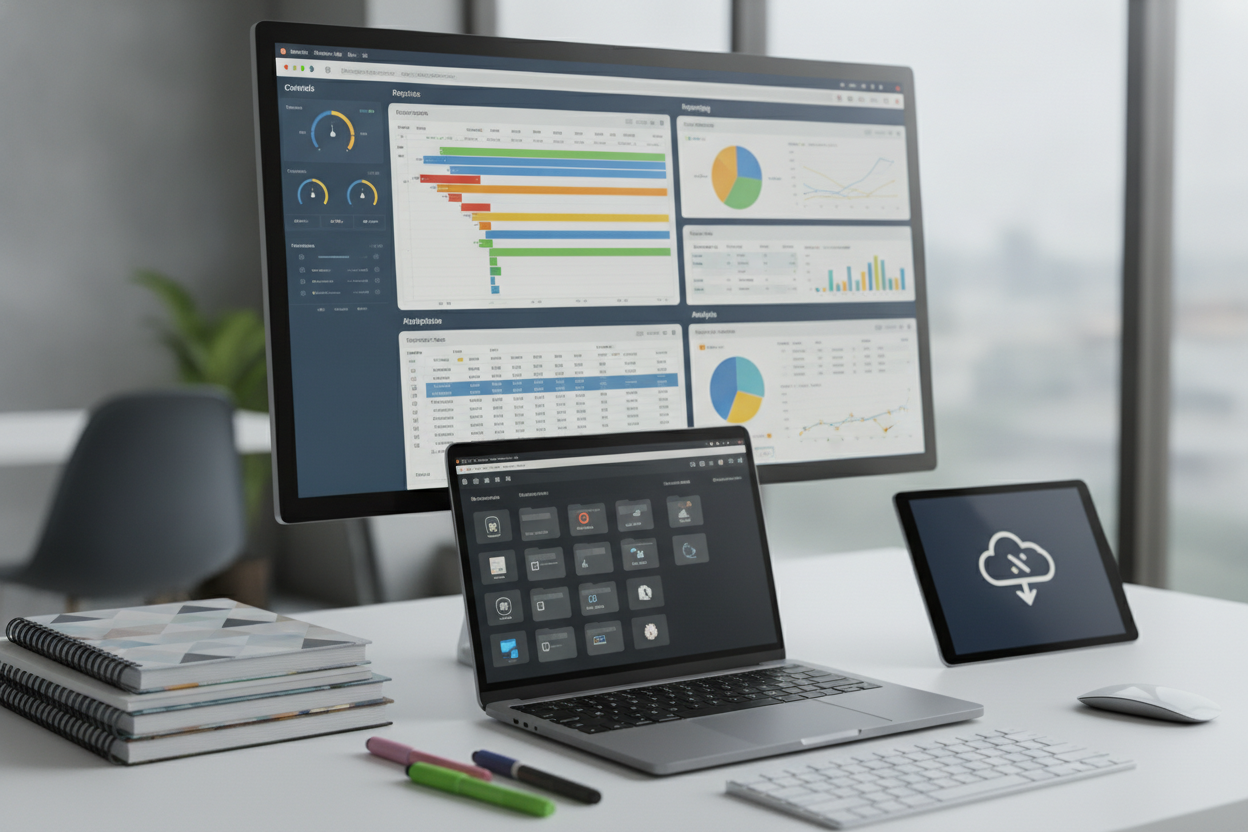
Excel Templates
Read more: Excel TemplatesDownloadable Excel templates for project tracking, controls, reporting, and analysis workflows.
-
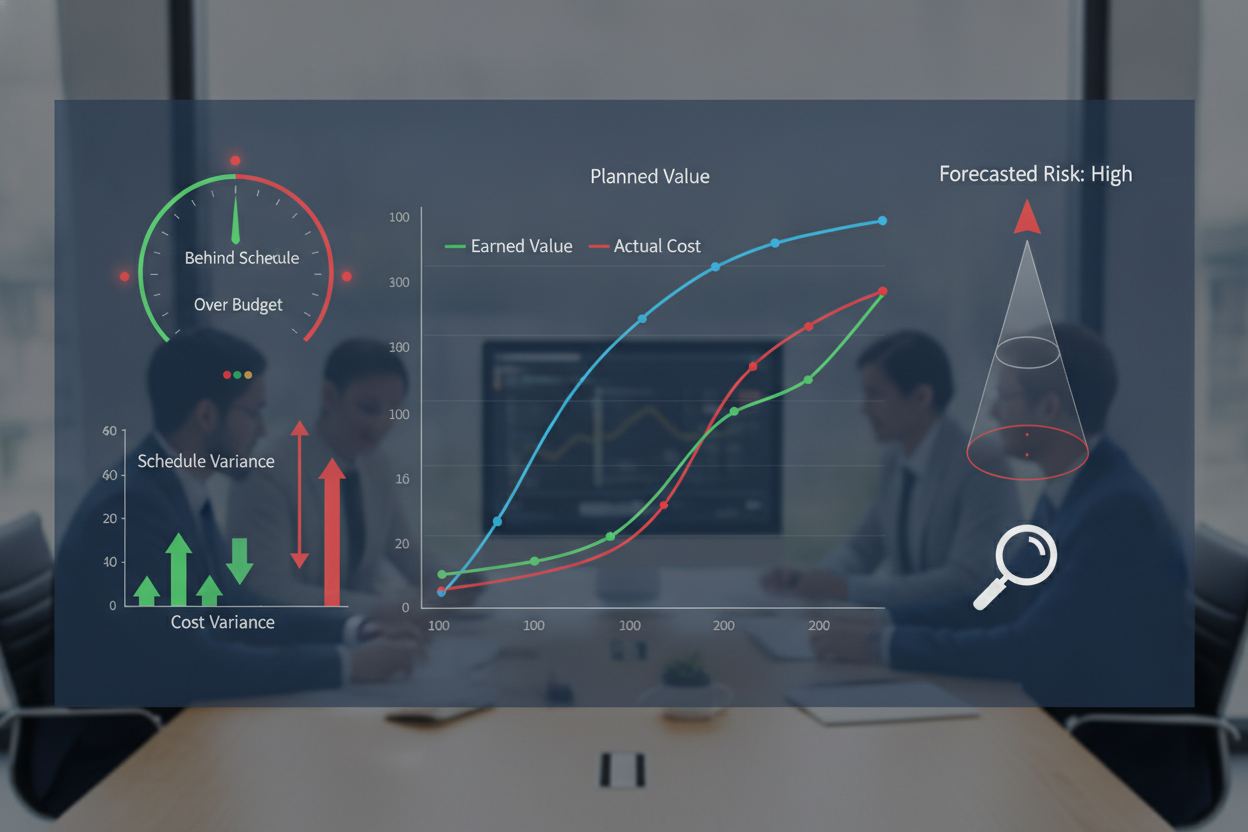
EVM Analysis
Read more: EVM AnalysisEarned value management tools that reveal performance trends, variance, and forecast risk early.
-

Project Calculators
Read more: Project CalculatorsInteractive calculators for profitability, labor cost, and forecasts to support faster project decisions.
TEMPLATE KIT — HOW IT WORKS
From download to decision-ready project controls
Each XI/TAG toolkit follows a consistent flow—set assumptions, load your data, review dashboards, and export clean outputs—so you can move from raw numbers to defensible decisions in minutes.
TK-01
Download & Start
Get the Excel file, open it, and follow the built-in setup steps to match your project type, cost structure, and reporting cadence.
TK-02
Configure Inputs
Enter your assumptions and data once—rates, burden, baseline budgets, earned value fields, change details—then let formulas do the heavy lifting.
TK-03
Analyze Results
Use dashboards and summary tabs to spot margin drivers, CPI/SPI trends, exposure, and recovery options with clear, auditable calculations.
TK-04
Export & Share
Generate clean tables, charts, and print-ready views for owners, PMOs, or executives—so your story is consistent, reviewable, and easy to act on.
TEMPLATES FAQ
Template details, licensing, and updates
Get clear answers on what’s included, how to use the Excel toolkits, licensing for teams, and how updates work. If you have a specific workflow or format need, send it—we’ll point you to the right pack.
Q-01
Are these templates Excel-based, and do they work on Mac?
Yes—XI/TAG templates are built for Microsoft Excel and are designed to work on both Windows and Excel for Mac. Some advanced features (like Power Query, macros, or certain add-ins) can behave differently across versions, so each download includes notes and a quick compatibility checklist.
Q-02
What’s included in a Premium Template or Toolkit download?
Each download includes the primary Excel file(s), a brief “Start Here” setup guide, and example inputs so you can validate your results fast. Toolkits may also include multiple variants (e.g., simple vs. detailed), a dashboard view, and reference tabs for assumptions, rates, and standard calculations.
Q-03
How does licensing work for individuals, teams, and clients?
Licensing is typically per organization for internal use, with options for single-user or team access depending on the product. If you need to share externally (e.g., with an owner, JV partner, or client deliverable), contact us—we’ll recommend the right license so you can collaborate without guesswork.
Q-04
Do you provide updates, fixes, or new versions after purchase?
Yes. When we release improvements—bug fixes, usability upgrades, or expanded fields—we’ll make the updated file available to customers based on the product’s update terms. If you spot an issue or have a feature request, send it in; we prioritize updates that reduce friction and improve accuracy.
Q-05
Can you customize a template for our cost codes, WBS, or reporting needs?
Often, yes. Many templates are structured to be adaptable (lookup tables, mapping tabs, configurable assumptions), but some organizations need a tailored version for unique WBS structures, cost code rollups, or earned value rules. Share your requirements and we’ll confirm the best path—configuration guidance or a custom build.
TEMPLATE PACK — REQUEST
Get the toolkit. Put your next report on rails.
Tell us what you manage—project type, contract model, and reporting needs. We’ll recommend the right XI/TAG templates and send setup notes so you can deploy fast and stay consistent across projects.
RESPONSE ≤ 48H
EXCEL-FIRST
REV A1
S-01 — STARTER KIT
Receive a curated template set with a quick-start guide and recommended inputs—built for practical project controls and repeatable reporting.